Introduction
The complete beginner-friendly guide to launching a blog with ease, including how to set up WordPress using Bluehost.
Table of Contents
Toggle
🔗 Affiliate Disclosure: This post contains affiliate links. This means we may earn a small commission at no extra cost to you. Read our full Affiliate Disclosure for more information.
If you’ve decided to start a blog, you have made a great decision! Starting a blog is a great way to explore your passion, share your interests and expertise, promote your brand, build an online following, and earn an extra income.
Starting a blog can be both exciting and daunting, but we’re here to guide you through every step of setting up a blog, including how to use a reliable platform like Bluehost to set up your blog.
By the end of this post, you’ll be set up for success!
Why Start a Blog?
Blogging remains one of the most accessible and rewarding ways to:
- Share your knowledge
- Build a digital asset you own
- Create new income opportunities
- Establish your online authority
- Attract clients or grow a side hustle
- Build an audience around your expertise
For me, blogging has been more than a side hustle idea; it has helped me build confidence, find my voice, and create an asset I control. Over time, it has also positioned me as an expert within my community and opened doors to opportunities I never expected.
You can start your blog today for less than the cost of a coffee each month, especially with the Bluehost Black Friday Deals now live.
Bluehost Black Friday Deals are Live
It’s the lowest pricing of the year—ideal for first-time bloggers. You’ll get a free domain, SSL and quick WordPress install.
Start your blog with my discounted link Affiliate disclosure: I may earn a small commission at no extra cost to you.

Step 1: Choose Your Niche
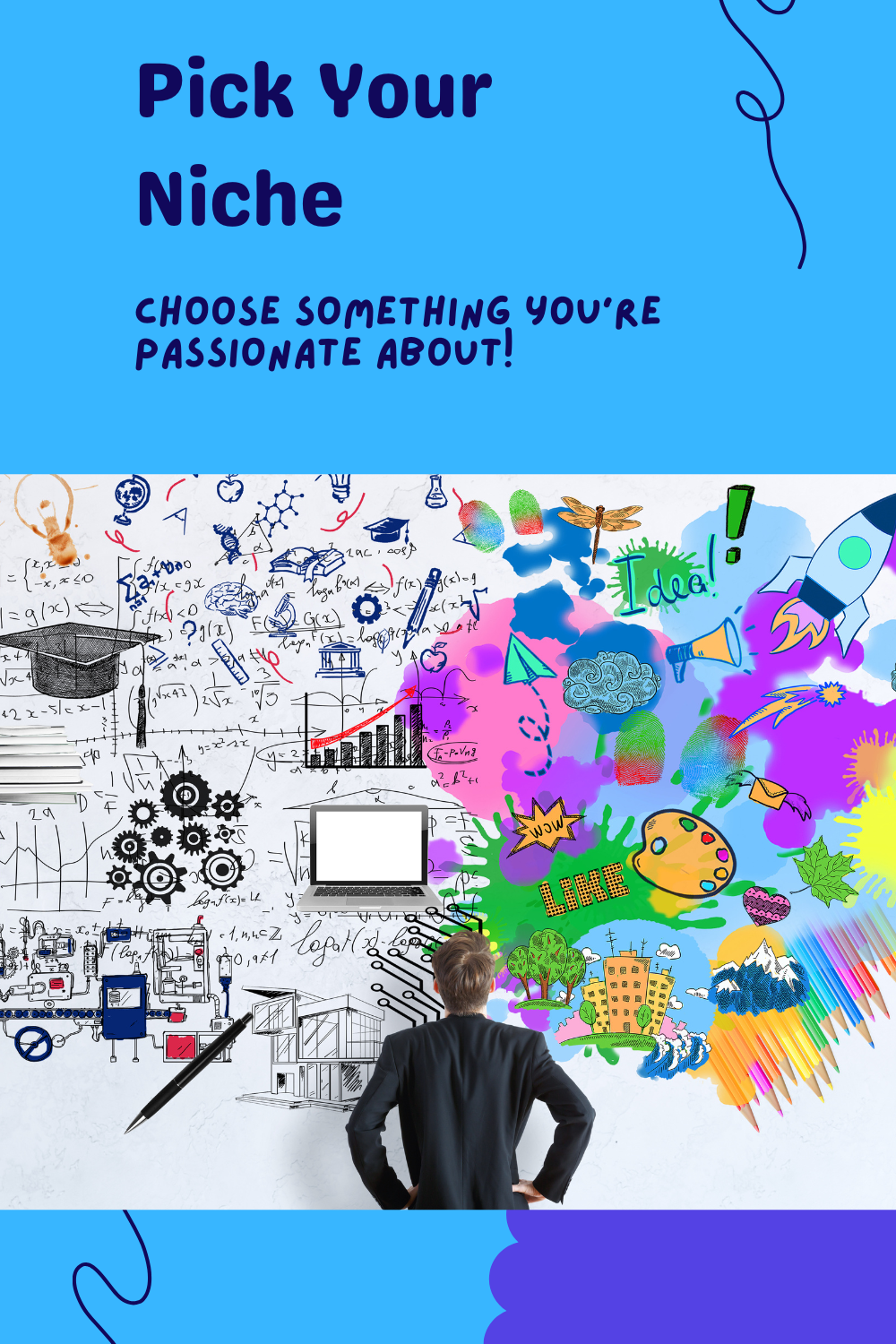
Your niche is the main topic your blog will focus on. Picking the right niche helps you attract the right audience and build authority faster.
How to choose your niche:
1. Choose something you enjoy
Blogging is easier when you like the topic.
2. Check demand
Use tools like Google Trends or Pinterest search to see what people are looking for.
3. Check income potential
High-income niches include:
- Personal finance
- Career development
- Wellness
- Side hustles
- Productivity
- Tech & lifestyle
4. Pick something with room for growth
You want a niche that gives you multiple content angles.Step 2: Pick a Domain Name & Hosting
Your domain name = your website address.
Your hosting provider = where your website lives.
I strongly recommend Bluehost for beginners because:
- Free domain for the first year
- Free SSL certificate
- One-click WordPress installation
- 24/7 customer support
- Very beginner friendly
- Very affordable (especially during Black Friday)
You will be okay to start with the Basic Plan.
Tips for choosing a domain name
- Keep it simple and memorable
- Avoid hyphens and numbers
- Use .com or .co.uk
- Make it relevant to your niche
If you’re stuck on names, try using a blog name generator to get creative ideas.
Step 3: Install WordPress
Bluehost makes the WordPress setup extremely simple.
1. Log in to your Bluehost dashboard
2. Go to My Sites → Create Site
3. Enter your site name and tagline
4. Select your domain
5. Click Next and WordPress will install automatically
6. Log in using yourdomain.com/wp-admin
That’s it, your blog backend is ready.
Step 4: Choose a WordPress Theme
Your theme determines how your blog looks.
Recommended free themes:
- Astra
- Kadence
- GeneratePress
- Blocksy
To install a theme:
Dashboard → Appearance → Themes → Add New → Install → Activate
Choose something clean, fast, and beginner-friendly.
Step 5: Install Essential Plugins
Plugins extend your website functionality.
Must-have beginner plugins:
- Yoast SEO – SEO optimisation
- Antispam Bee – spam protection
- WPForms – contact forms
- Smush – compress images
- UpdraftPlus – backups
- SiteKit by Google – Analytics & Search Console
To install a plugin:
Dashboard → Plugins → Add New → Search → Install → Activate
Step 6: Write High-Quality Blog Posts
Your content is the heart of your blog. It’s what builds trust, grows your audience, and eventually earns income.
Tips for writing strong posts:
- Keep your paragraphs short
- Use subheadings and bullet points
- Make it practical and simple
- Speak directly to your reader
- Include examples
- Solve a problem
- End with a call-to-action

Great beginner blog post ideas include:
- “How I Saved £X in 30 Days”
- “Beginner’s Guide to Budgeting”
- “Side Hustles You Can Start With No Money”
- “How to Improve Your Credit Score in the UK”
Aim for one post per week while you’re building momentum.
Step 7: SEO Basics for Beginners
SEO (Search Engine Optimisation) helps people find your blog on Google.
Basic SEO checklist:
- Use your main keyword in your title
- Include it naturally in the first paragraph
- Use headings (H2s, H3s)
- Add alt text to images
- Add internal links to your other posts
- Write at least 1,000–1,500 words
- Use Yoast SEO as your guide
SEO takes time, but it’s the most reliable way to grow long-term traffic.
Step 8: Promote Your Blog
Even the best blog post won’t be seen without promotion.
Simple strategies that work:
- Share on Facebook, Instagram, LinkedIn, Pinterest
- Add your blog link to your email signature
- Post helpful comments on other creators’ content
- Share short videos about your blog topics
- Encourage friends to share your posts
- Start an email list (very important)
- Use Yoast SEO as your guide

I recommend ConvertKit to get started with your email list. It’s beginner-friendly and perfect for delivering your blog content, updates, and free resources. Get started here.
Promotion is what turns your blog from a hobby into an actual digital asset.
How Bloggers Make Money
As your blog grows, you can earn through:
1. Affiliate Marketing
You recommend products you trust and earn commissions.2. Display Ads
Once you reach certain traffic levels, networks like Ezoic, Mediavine or Raptive pay you for ads.3. Digital Products
Planners, worksheets, templates, ebooks.4. Services
Coaching, digital marketing support, consulting.5. Sponsored Content
Brands pay you to review or feature their products.Blogging is not a get-rich-quick scheme, but it is a long-term asset that can grow into multiple income streams.
Beginner Blogger Checklist
- Choose your niche
- Pick a domain name
- Sign up for hosting
- Install WordPress
- Choose your theme
- Install essential plugins
- Write your first 3–5 posts
- Set up Google Analytics
- Create About & Contact pages
- Promote your content
- Join an email provider (ConvertKit)
Your domain name = your website address.
Your hosting provider = where your website lives.
I strongly recommend Bluehost for beginners because:
Blogging Startup Budget (UK-Friendly 2025)
| Item | Typical Cost | Notes |
|---|---|---|
| Bluehost Basic | Discounted monthly pricing during BF | Includes free domain yr 1 + SSL |
| Domain name | Included year 1 | Renewal applies from year 2 |
| Theme | £0–£60 one-off | Start free; upgrade if needed |
| Plugins | £0 | Begin with free essentials |
| Email tool (ConvertKit) | Free plan available | Upgrade as list grows |
| Canva | Free plan available | Pro optional |
| Keyword tool | Free tier / paid optional | Ubersuggest, etc. |
Note: exact pricing changes by promotion and plan length. Use Black Friday offers for best value, then reassess add-ons as you grow.
Total cost to start: £25–£40 for the entire year.
Hosting + Free domain: £25–£45/year (Special discounted rate)
Optional premium tools: £0–£100, depending on what you choose later
Email marketing: Free with ConvertKit for small lists
Themes and plugins: Free versions available
You can start with free tools like Ubersuggest or Keyword Surfer. Paid plans are optional for later.
Tools You’ll Need
- Hosting: Bluehost
- CMS: WordPress
- Email Marketing: ConvertKit
- Graphics: Canva
- SEO: Ubersuggest / Keyword Surfer
- Analytics: Google Analytics & Search Console
12-Month Blogging Roadmap
Months 1–2
- Set up your blog
- Publish your first posts
- Share on social media
- Submit your site to Google Search Console
Months 3–6
- Build your email list, I used convertkit.
- Improve your SEO, I use Yoast Plugin
- Publish weekly
- Update older posts
Months 6–9
- Add affiliate links
- Improve site design
- Start using Pinterest
- Analyse which articles perform best
Months 9–12
- Create a digital product
- Increase your publishing frequency
- Apply for ads once eligible
- Strengthen your brand
Bluehost Plan Comparison (Black Friday)
| Feature | Starter (Recommended) | Business | ECOMMERCE ESSENTIALS |
|---|---|---|---|
| Best For | New bloggers | Growing blogs | eCommerce |
| Websites | up to 10 | 50 | 100 |
| Free Domain | Yes | Yes | Yes |
| Storage | 10GB | 50GB | 100GB |
| Weekly Backupss | Yes | Yes | Yes |
| Price | Lowest | Higher | Higher |
Start with the Basic Plan, ideal for new bloggers:
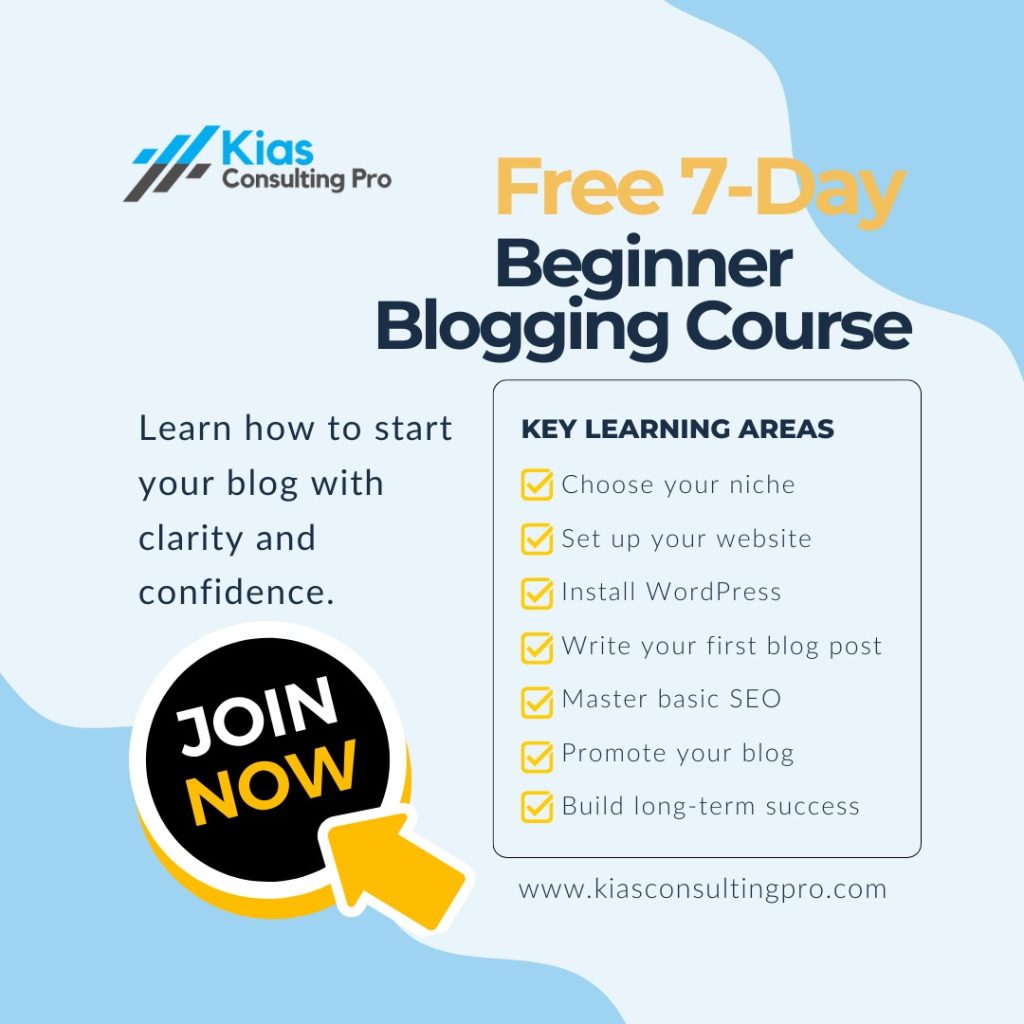
FREE 7-Day Beginner Blogging Course
Want step-by-step help to start your blog with confidence?
Join my Free 7-Day Beginner Blogging Course, where I’ll walk you through:
Choosing your niche
Setting up your website
Installing WordPress correctly
Creating your first blog post
Basic SEO techniques
Promoting your blog
Positioning yourself for long-term success
It’s simple, practical, and perfect for beginners who need clear direction.

Q: Do I need technical skills to start a blog?
No, hosting providers like Bluehost make it easy for beginners.
Q: How much does it cost to start a blog?
You can start with as little as £25–£40 for the year especially if you take advantage of my special discount rate.
Q: How long does it take to make money?
Most bloggers take a few months of consistent posting.
Q: Can I really make money blogging?
Yes, through ads, affiliates, digital products, and services.
Do I need to post every day?
No, once per week is enough for beginners.


Want step-by-step help to start your blog with confidence?
Join my Free 7-Day Beginner Blogging Course
It’s simple, practical, and perfect for beginners who need clear direction.